Video duration and price
Settings1 min read
Video models are billed per second of output. A 10-second video costs twice as much as a 5-second one.
Try it on: Kling 3.0 · Kling 2.6 · Seedance 1.5 Pro
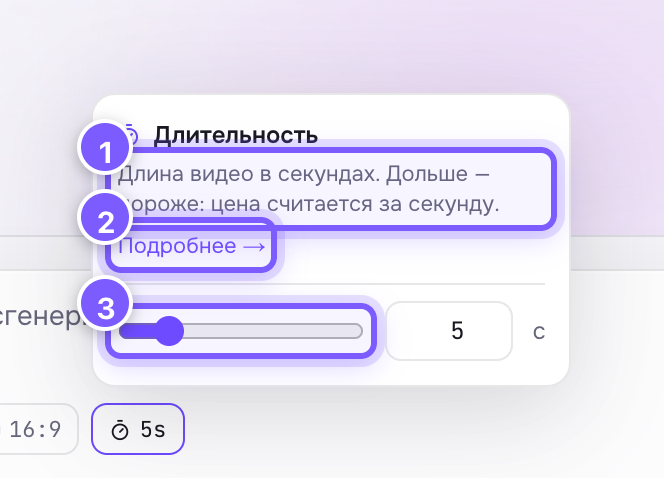
- The tooltip explaining the setting.
- "Learn more" — a link to this article.
- The seconds slider; next to it a field where you can type the number.
How to choose
- 5 seconds — best for most tasks: photo animation, loops, reactions. Cheaper and faster.
- 10 seconds — when you need a story: camera movement, action changes, scene development.
Tip
Generate a 5-second draft first to validate the prompt and motion. Happy with the direction? Run the long version. You'll spend fewer credits on experiments.