Style (Ideogram)
Settings1 min read
A hint about which direction to draw in: like a photo, like a poster, or whatever the model prefers.
Try it on: Ideogram V3 · Ideogram V3 Remix
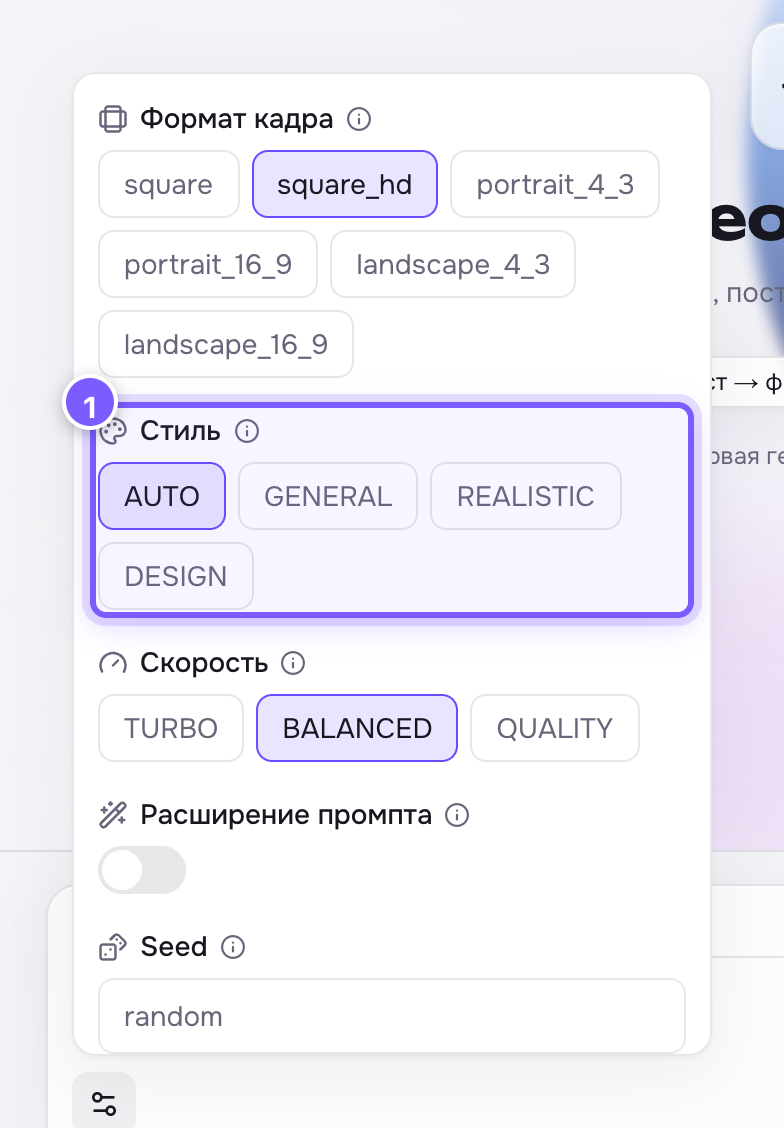
- Four buttons: AUTO, GENERAL, REALISTIC, DESIGN. The selected one is highlighted.
| Value | What you get |
|---|---|
| AUTO | The model decides from your text. The default |
| GENERAL | A neutral, all-purpose look |
| REALISTIC | Photography: real light, skin, textures |
| DESIGN | Graphics: posters, logos, illustrations, big type |
How to choose
- A shot of a person, food or a product — REALISTIC.
- A poster, a cover, brand identity, text on the image — DESIGN.
- Not sure — leave AUTO; the model usually reads it from your words.
Where to find it
Only on Ideogram V3 — the strongest model for text inside images.
Tip
Style is a coarse dial. The fine detail still comes from the prompt: "35 mm film photo", "flat vector illustration", "watercolour".