Prompt adherence
Settings2 min read
A slider from 0 to 1: how strictly the model follows your text.
Try it on: Kling 2.5 Turbo
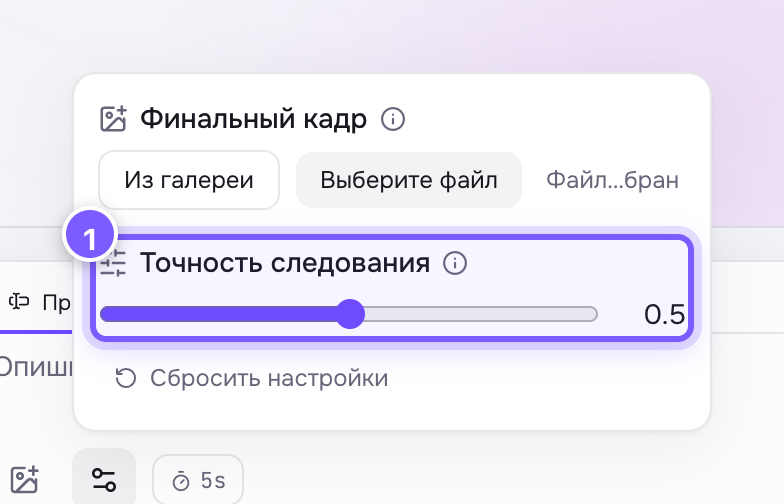
- A slider from 0 to 1, 0.5 by default. The current value is shown to the right.
- Closer to 0 — freedom. The model improvises; results are livelier and more surprising, but can drift from your idea.
- Closer to 1 — strictness. The model follows the text literally, though the frame can look dry and plastic.
0.5 by default — the middle ground.
How to use it
- Got something other than what you asked for — raise it.
- Got something boring and predictable — lower it.
- The slider moves in steps of 0.05. Neighbouring values look almost identical, but 0.3 versus 0.8 is a big difference.
Where to find it
Under Advanced settings on Kling V2.5 Turbo.
Comparing fairly
Fix the seed and change only this slider. Then the difference comes from the slider, not from randomness.
Not the same as edit strength
Edit strength on Ideogram V3 Remix is about how much of the source image to keep. Prompt adherence is about how literally to follow the text.
Not the same as the quality mode
Prompt adherence is about obeying the text. The generation mode (std / pro / 4K) is about image quality. Two different dials.