Fixed camera
Settings1 min read
Normally the model moves the camera on its own: pushing in, orbiting, drifting. Turn on the fixed camera and the shot behaves like it is on a tripod: the camera stays put, only the subjects move.
Try it on: Seedance 1.5 Pro · Seedance V1 Pro
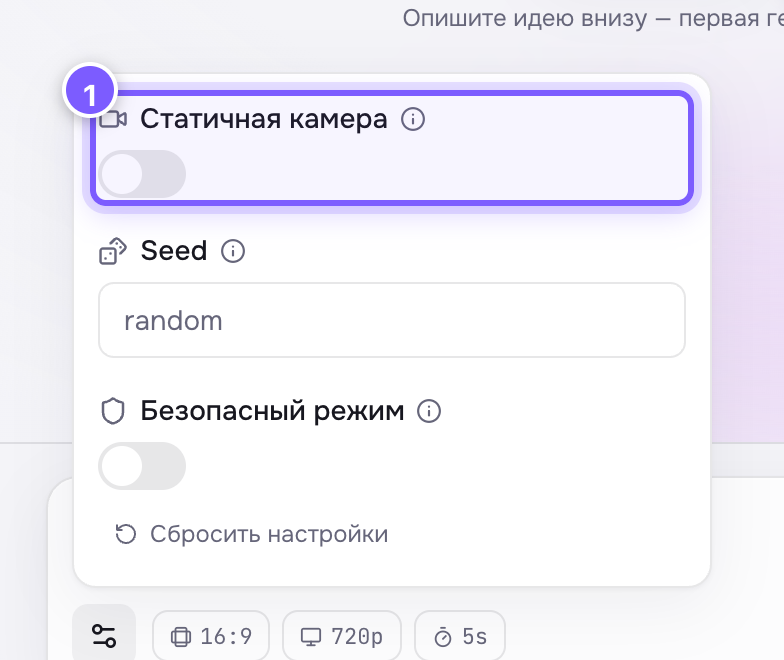
- A toggle. Off by default — the camera moves on its own.
Off by default.
When to turn it on
- A product on a table — the product turns, not the room around it.
- A talking head — the person speaks, the camera does not dance.
- Interiors, signs, shop windows — you need a steady, even frame.
- You will cut it with other shots, and extra movement fights the edit.
When to leave it off
- You want a cinematic push-in or orbit.
- The scene is dynamic: a chase, sport, dance.
Where to find it
Under Advanced settings. Available on Seedance 1.5 Pro and Seedance V1 Pro.
Tip
Camera movement can also be described in words in the prompt: "slow push-in", "orbit around the subject". In that case leave the checkbox alone — otherwise the setting says "hold still" while the text says "move".