Tail image
Settings1 min read
Normally you give the model one photo and the clip starts from it. The tail image is a second picture: what the clip should end on. The model invents the transition between them.
Try it on: Kling 2.5 Turbo
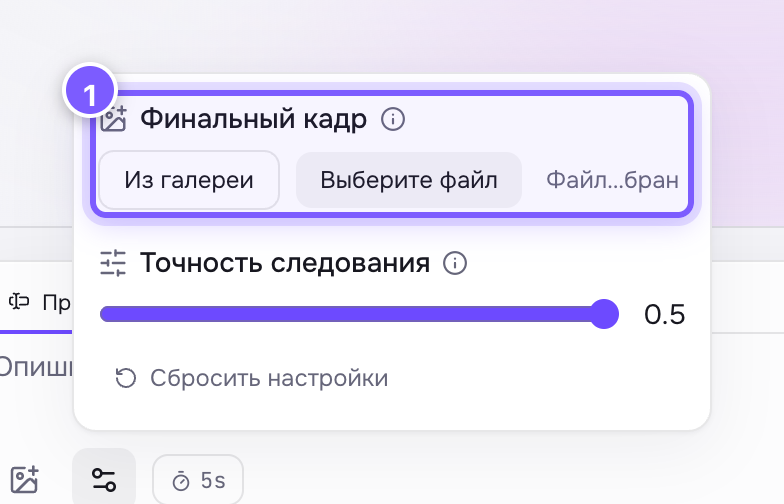
- Upload of a second image — the one the clip ends on.
How it works
- Source photo — the first frame of the video.
- Tail image — the last frame.
- Everything in between is generated.
What it is for
- Transformations: morning becomes evening, a sketch becomes a finished product.
- Ad transitions: blank packaging → packaging with a logo.
- Stitching scenes: the end of one clip is the start of the next.
Getting a good transition
- The two frames should be similar in composition: same angle, same subject scale. Otherwise you get a jump cut, not a transformation.
- Same aspect ratio for both images.
- Describe the transition in words: "smoothly transforms", "slowly brightens".
Where to find it
On Kling V2.5 Turbo (image → video).
Not the same as a reference
A reference says "take the hero or the style from here". A tail image says "arrive exactly at this point by the end".