Rendering speed (Ideogram)
Settings1 min read
A choice between fast and pretty. The price does not change — the time and the level of detail do.
Try it on: Ideogram V3 · Ideogram V3 Remix
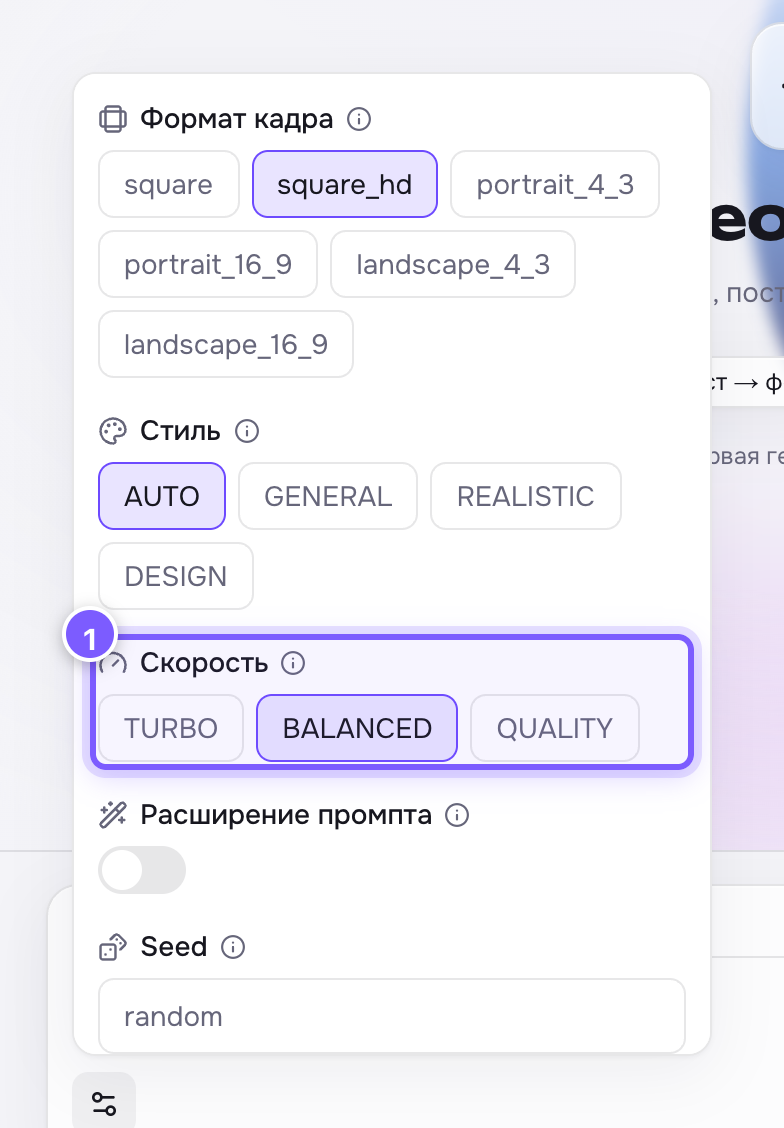
- Three buttons: TURBO, BALANCED, QUALITY.
| Value | What it means |
|---|---|
| TURBO | Fastest, fewer details |
| BALANCED | The middle ground. The default |
| QUALITY | Slower, maximum finish |
How to use it
- Tune the prompt on TURBO — you see the composition in seconds.
- Once the composition works, rerun the same prompt with the same seed on QUALITY.
Where to find it
Only on Ideogram V3.
Where the difference shows most
In small things: letters on a sign, fabric patterns, fingers, reflections. If text matters in your image, go with QUALITY.