Generation modes: Standard vs Professional
Getting started1 min read
Standard — faster and cheaper. Good for drafts, idea checks and simple motion.
Try it on: Kling 3.0
Professional — the model spends more compute: smoother motion, more stable details, fewer artifacts. Pick it for final renders and close-ups of faces.
Strategy: validate the idea in Standard, render the final in Professional.
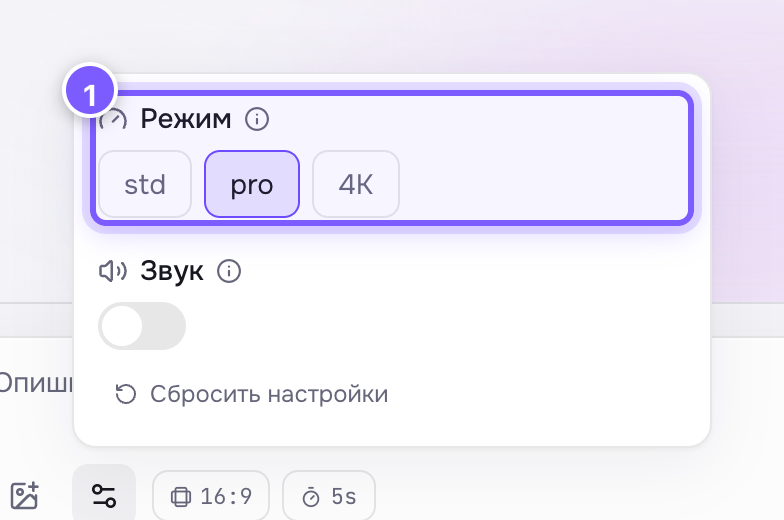
- Three buttons: std, pro and 4K. The selected one is highlighted.