Pro mode
Settings1 min read
A "make it better" checkbox: it enables an improved generation path. The price stays the same.
Try it on: Grok Images
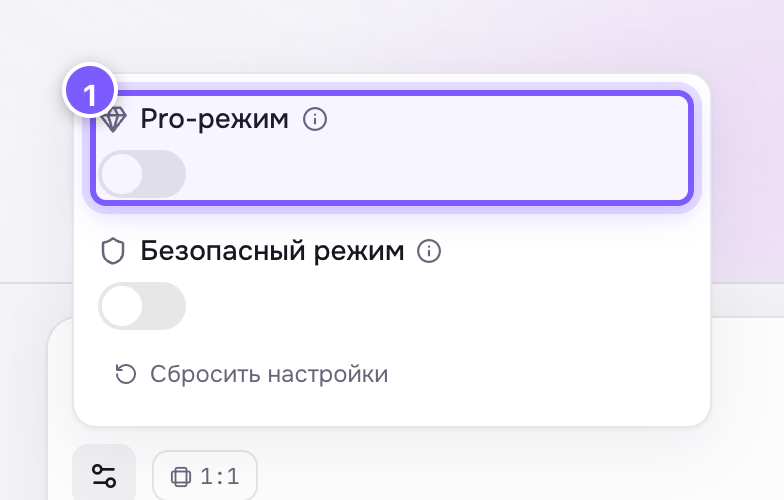
- A toggle. It does not change the price on the button.
Off by default.
When to turn it on
Almost whenever the result matters: details come out cleaner and you pay exactly the same.
When you can skip it
If you are burning through dozens of drafts and speed matters — generation without Pro is usually a bit faster.
Where to find it
On Grok Imagine (text → image).
Why it is not always on
Pro is a separate mode on the provider side and it does not make a visible difference for every subject. The easiest test is your own: run the same prompt with the same seed with and without it, and compare.