Edit strength
Settings1 min read
A slider from 0 to 1: how much to rework the source photo. 0 keeps it almost intact, 1 redraws it from scratch.
Try it on: Ideogram V3 Remix
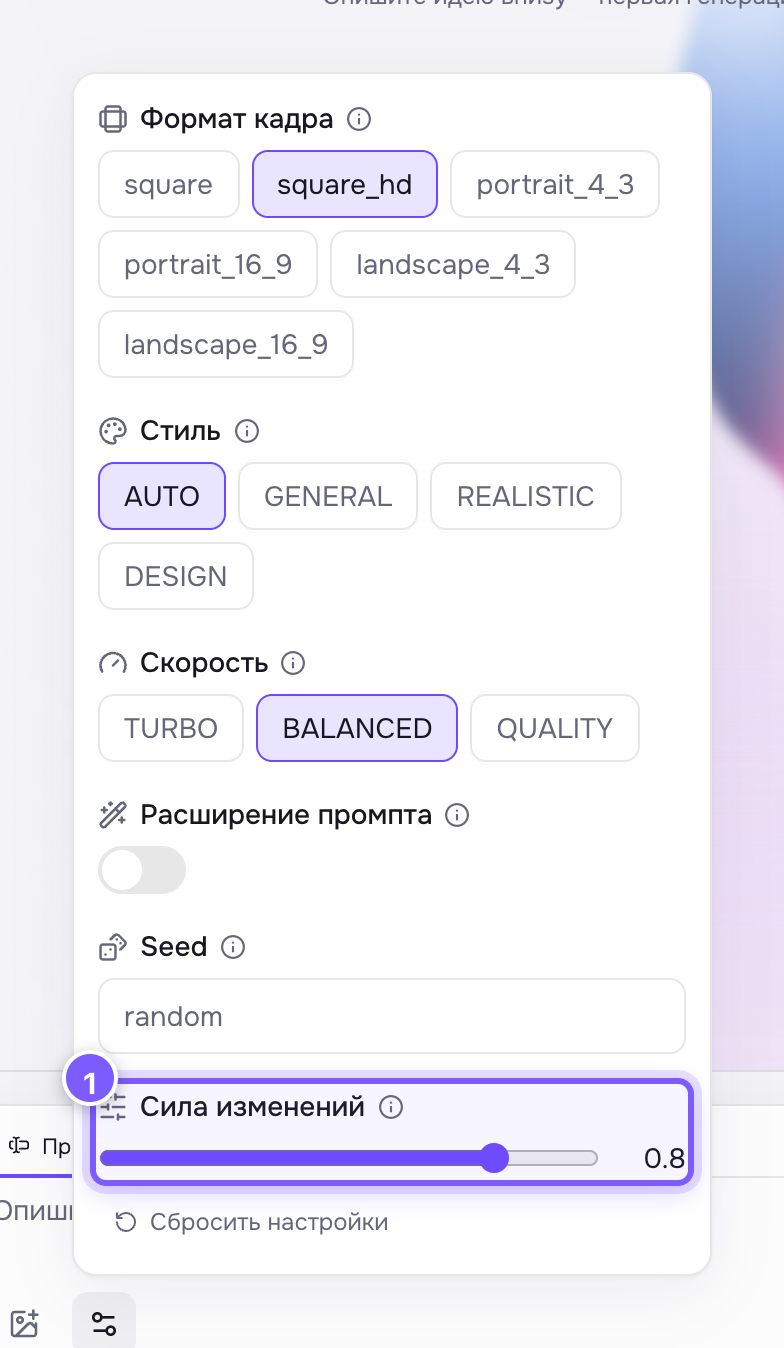
- A slider from 0 to 1, 0.8 by default. The current value is shown on the right.
- 0.2–0.4 — a light touch: change a colour, add a detail. The frame stays recognisable.
- 0.6–0.8 — a visible rework: different style, different light, same composition.
- 0.9–1.0 — only the general idea survives.
0.8 by default.
Where to find it
On Ideogram V3 Remix, the model that reworks an existing image from text. The slider sits right under the edit field.
How to use it
- Start at 0.8 — the default.
- Drifted too far from the original? Drop to 0.5 or below.
- Barely any change? Raise it.
The slider moves in steps of 0.05: 0.60 versus 0.65 is usually invisible, while 0.5 versus 0.8 is dramatic.
Not the same as prompt adherence
Edit strength is about the source image: how much of it to keep. Prompt adherence is about the text: how literally to follow the prompt.