Safe mode
Settings1 min read
An extra guard: before handing over the result, the model checks the image for disallowed content. If something is off, the generation is not delivered.
Try it on: Nano Banana · Nano Banana Edit · Flux 2 Pro
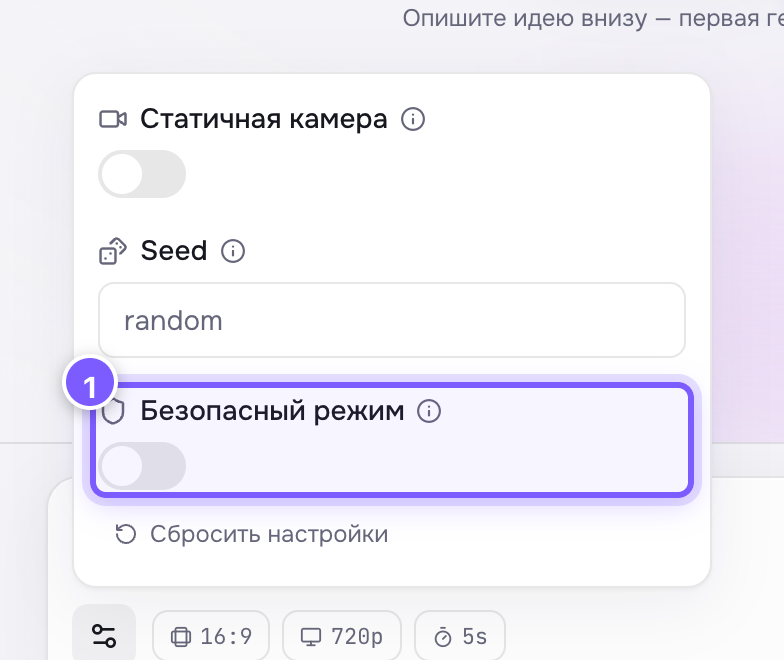
- A toggle: grey is off, purple is on.
Off by default.
When to turn it on
- Results go out automatically — to a bot, a site, a newsletter — and nobody reviews them.
- You are making content for children or for a brand where a mistake is unacceptable.
- You are working in front of a client and want no surprises on screen.
When to leave it off
- Artistic or borderline subjects: the guard sometimes misfires and blocks perfectly normal frames (paintings, medical illustrations, battle scenes).
- You review every result yourself anyway.
What happens if the check blocks it
The generation ends with an error and the credits return to your balance. That is an ordinary failed run — see Generation failed.
Where to find it
Under Advanced settings, or in the gear panel in Studio. Present on almost every image and video model.