Inpaint: fix a photo with a brush
Editors2 min read
Inpaint means you paint over a piece of a photo and say in words what should be there instead. The rest of the frame stays untouched.
Open the editor: Inpaint
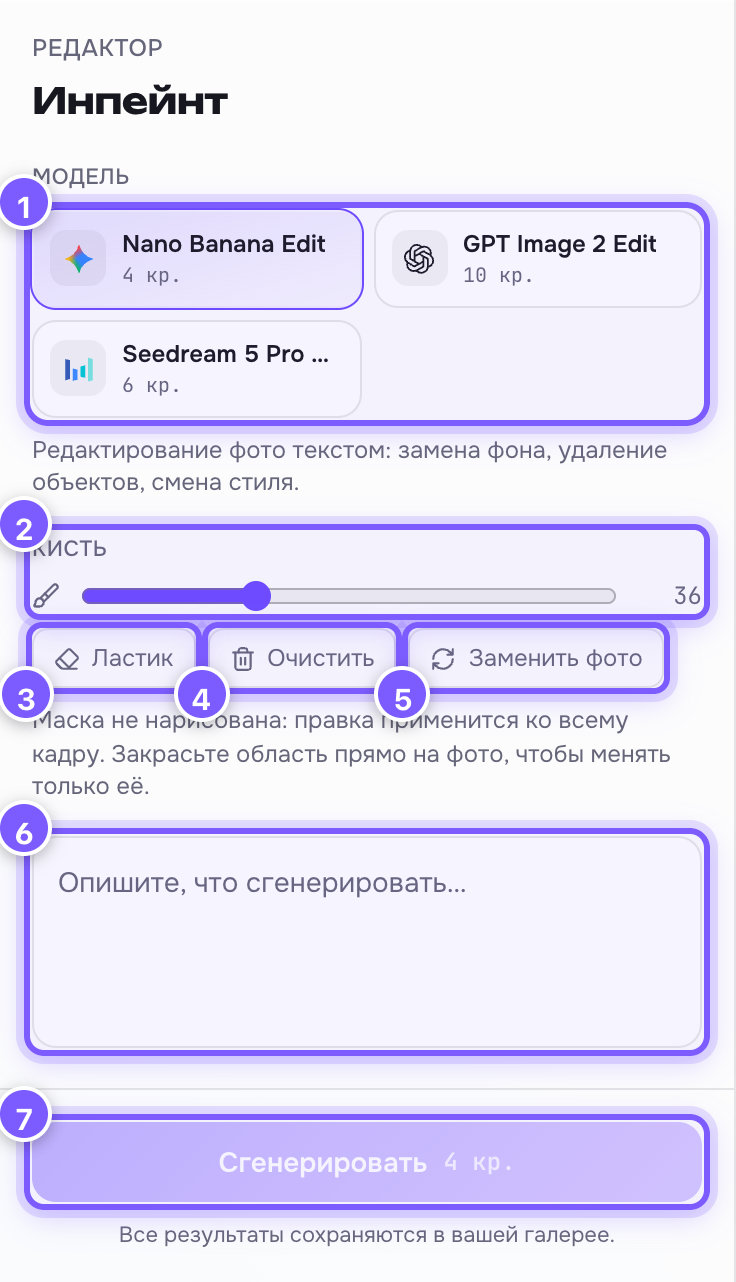
- Model — Nano Banana Edit (cheapest), GPT Image 2 Edit or Seedream 5 Pro Edit. The price is on the card.
- Brush — size slider, 8 to 96. Thick for backgrounds, thin for details.
- Eraser — remove part of the painted area. Click again to go back to painting.
- Clear — wipe the whole mask and start over.
- Replace photo — upload a different shot.
- Edit field — what to do with the painted area: "replace the background with a sunset", "remove the person on the left".
- Generate — run it; the price is on the button.
The canvas
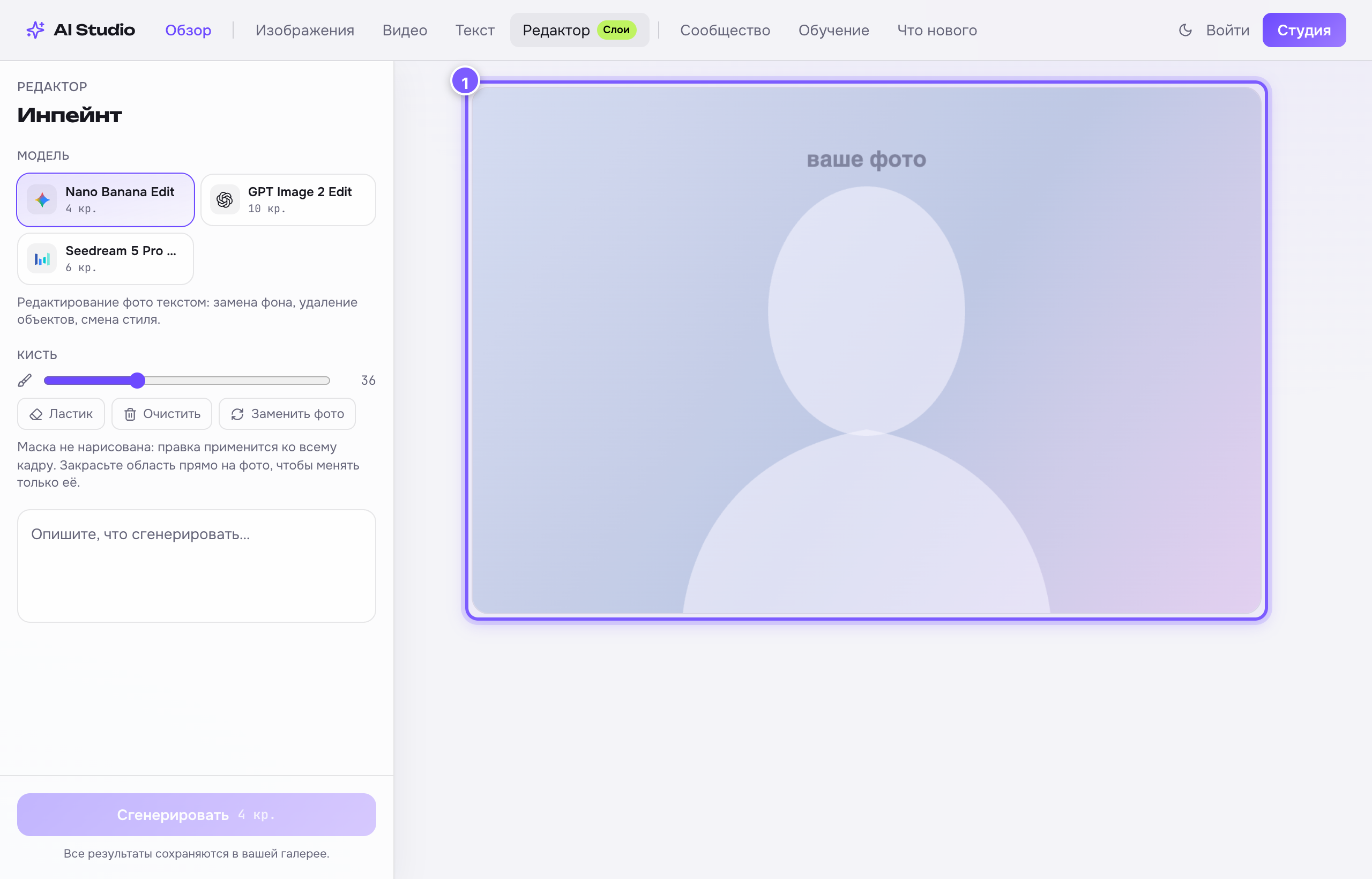
Just drag the mouse across the photo — painted areas glow red. That is the mask: "change only here".
The main rules
- Painted an area — only that area changes.
- Painted nothing — the edit applies to the whole frame. That is fine too: it is a handy way to restyle the entire image.
- Paint with a margin. Cover a bit more than needed: the model needs room to blend the new content into the old.
- Describe the result, not the removal: not "remove the mug", but "an empty wooden table".
The result
The finished frame is shown as a before/after slider — drag it to compare with the original. Use the button below to download.