Sound in video
Settings1 min read
Models usually output silent video. Turn sound on and a soundtrack is generated together with the picture: footsteps, wind, street noise, ambient background.
Try it on: Kling 3.0 · Kling 2.6 · Seedance 1.5 Pro
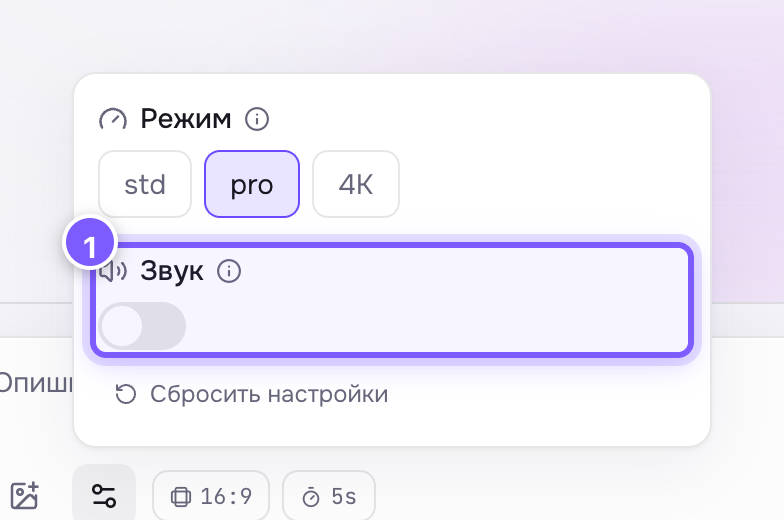
- A toggle. Off by default on Kling, on by default on Seedance 2 and newer.
Where to find it
Sound on Kling, Pixverse and Seedance. On Seedance 2 and newer it is on by default; elsewhere it is off.
What you get
The sound is generated from what is in the frame. It is ambience and noise: rain, a city, a forest, a crowd. It is not dialogue: you cannot make a character say a specific line with this checkbox.
When to turn it on
- You need a ready clip for stories — sound makes it feel alive.
- You want atmosphere and do not want to dig through sound libraries.
When to leave it off
- You will add your own music anyway — an extra track only gets in the way.
- The clip goes into a feed where video plays muted.
Tip
Describe the atmosphere in the prompt — "a noisy night market, rain on tin roofs" — and the sound comes out closer to what you want.