Aspect ratios: which one to pick
Settings1 min read
Aspect ratio is the shape of the frame: width relative to height.
Try it on: Nano Banana 2 · Nano Banana 2 Lite · Nano Banana
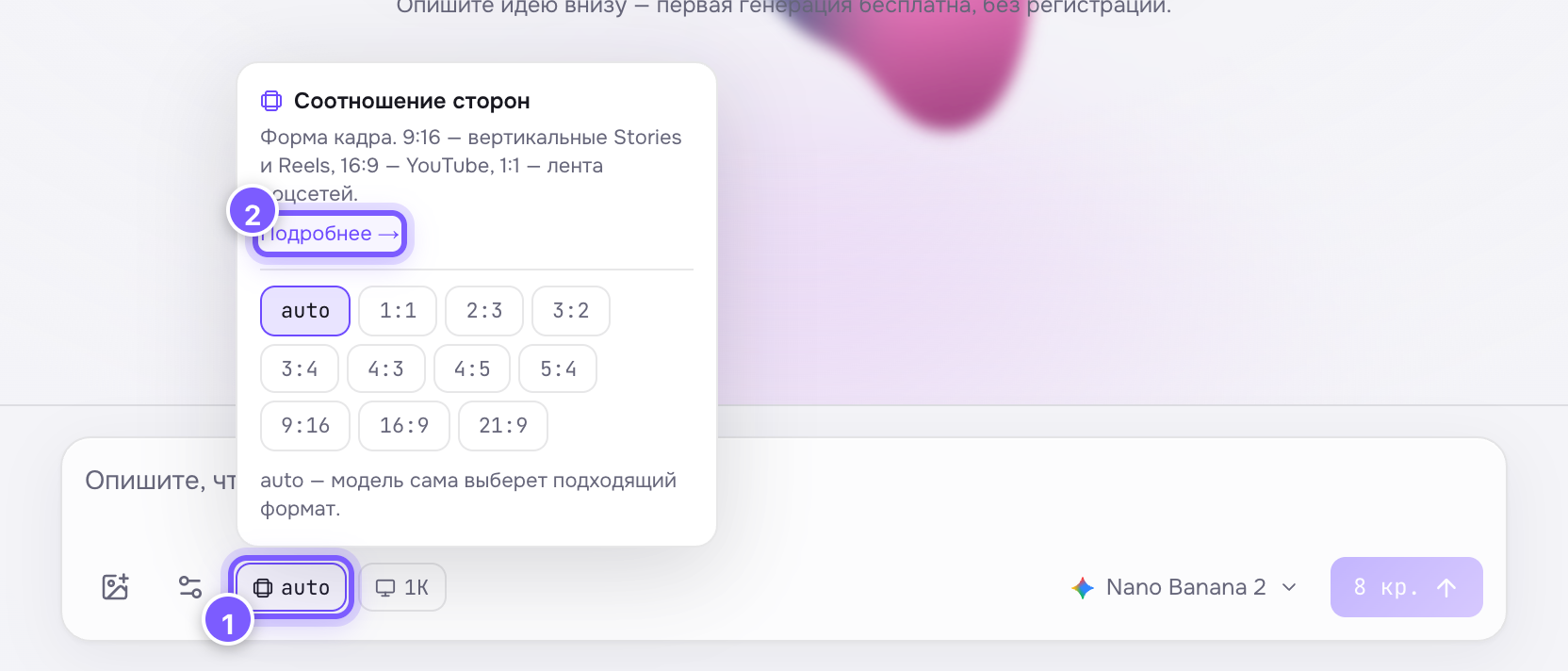
- The chip with the current value — click it to choose.
- "Learn more" — a link to this article.
| Format | Where to use |
|---|---|
| 9:16 | Stories, Reels, Shorts, TikTok — vertical phone screen |
| 16:9 | YouTube, presentations, article covers |
| 1:1 | Feed posts, avatars, product cards |
| 4:3 / 3:4 | Classic photo, print |
| 21:9 | Cinematic frames, wide banners |
The main rule
Pick the format for the platform where the content will live before generating — don't crop later. The model composes the frame for the chosen shape: 9:16 gets a vertical composition, 16:9 a horizontal one. Cropping a finished image almost always ruins the composition.