File format: PNG or JPEG
Settings1 min read
This is the file you get. The content is the same — the packaging differs.
Try it on: Nano Banana 2 · Nano Banana · Nano Banana Edit
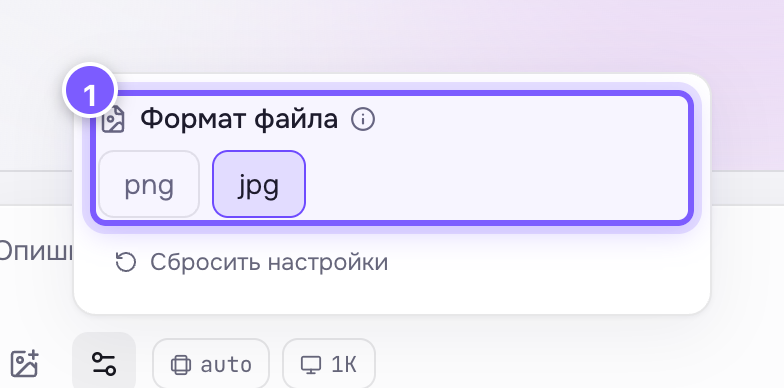
- The png/jpg choice. Look under the "Advanced settings" row.
| Format | Plus | Minus |
|---|---|---|
| PNG | Loses nothing, supports transparency | 3–5× heavier |
| JPEG (jpg) | Light, loads fast | Slightly smudges fine detail and text |
Choose in one second
- The image has text, a logo, crisp graphics or needs a transparent background — PNG.
- It is a photo for social media, a site or a messenger — JPEG.
Not sure? Leave it as is: the default is already tuned per model.
Where to find it
Hidden under Advanced settings — it is rarely changed. Available on Nano Banana, Seedream and Qwen.
About transparency
Only PNG keeps a transparent background. If you cut out an object with Background removal and save as JPEG, the transparency becomes a white or black rectangle.